July 2026 Update

Presto Product Team
July 31, 2026
July brought a scanner to your pocket, a bunch of love for Forms by Members, and a fix for a printing gremlin that’s been hiding out since who-knows-when. Let’s get into it!
Presto Blog
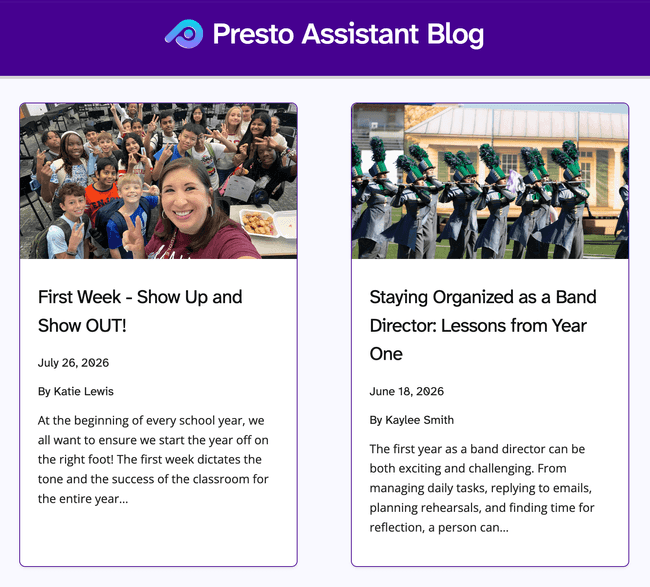
We added another great article from a guest contributor. Check it out!
- July 2026 — First Week - Show Up and Show OUT! by Katie Lewis
Want to contribute an article? Get in touch!
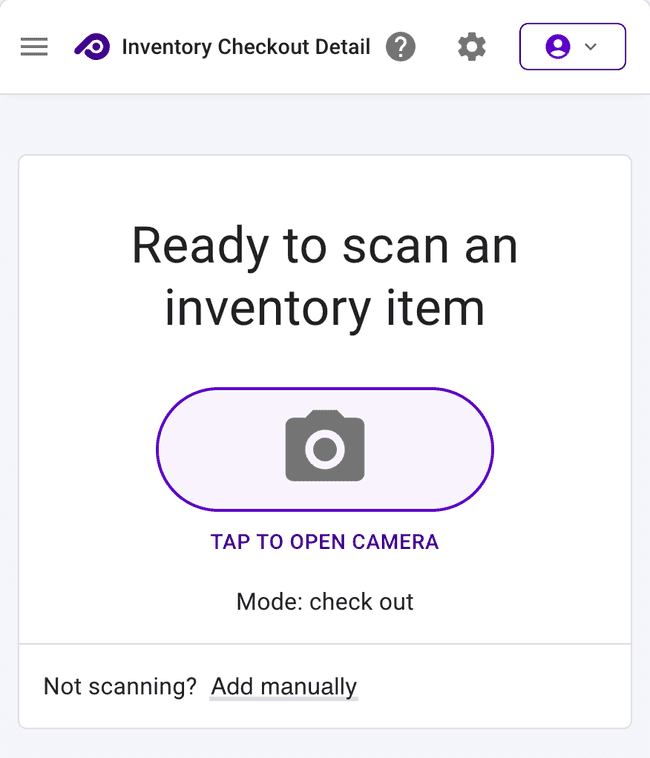
Scan Barcodes With Your Phone 📸
No more digging around for the USB scanner! On mobile, checking out Inventory, Library, and Uniform items now works with your phone’s camera — just tap to open it, point at the tag, and you’re done. Desktop still scanner-first, with the camera available as a backup.
And once you scan, you’ll actually know it worked: a confirmation notification now names exactly what got checked out and to whom (like “Trumpet checked out to Daphne Bartoletti”), whether you’re using the camera or a physical scanner.
We also brought the Library and Uniform tables up to speed with System Barcode and Custom Barcode columns, matching what Inventory has had all along.
Forms by Members Gets Some Love
A handful of upgrades landed for the Forms by Members table this month:
- Switch school years right from the table instead of being stuck on one
- Download a single member’s submitted form as a PDF straight from the grid
- View any member’s submitted form in a new read-only mode, so you can see exactly what they answered without opening it for editing
- Form Preview: the “download” block works, and the “upload” block will show a helpful message
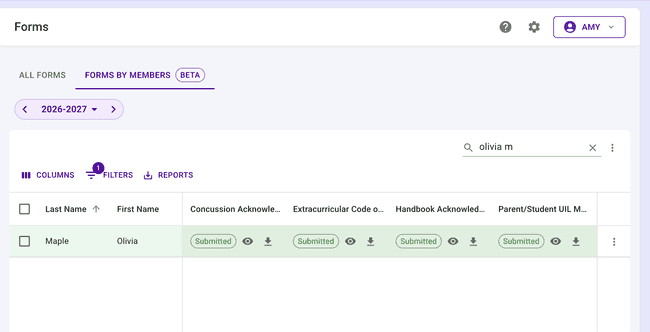
💜 Bonus: many pages are sporting the new purple school year picker shown above.
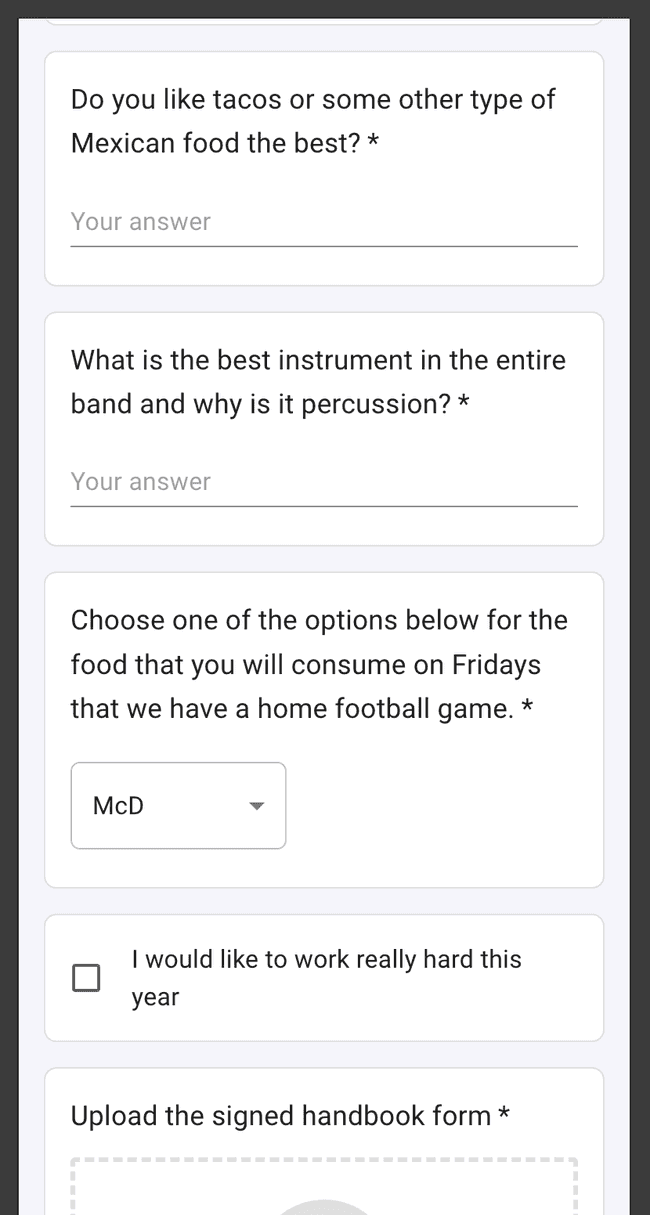
We also moved question text above the answer field for short answer, long answer, and multiple choice blocks instead of tucking it inside as a placeholder — much easier to read on a phone for the person completing the form!
Call It What You Want: Fee → Pledge
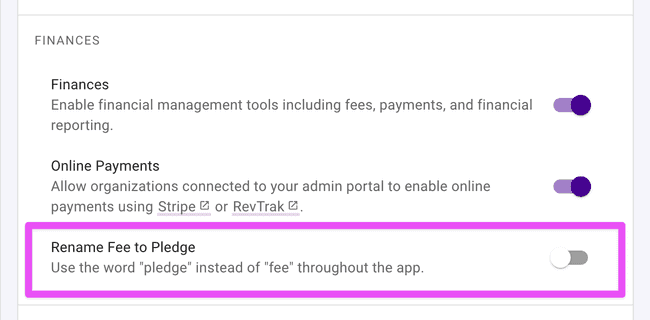
Some districts talk about “pledges,” not “fees” — now Presto can, too! A new Rename Fee to Pledge admin setting swaps the wording across the Finances area (tables, dialogs, dashboard cards, and generated financial statements) so the web app speaks your district’s language. Head over to the Admin Settings page and toggle this feature to see it in action!
Other Improvements
Some more updates worth knowing about:
- Student count on the Admin Organizations table — District admins can now see how many students are in each organization right from the org list.
- Repairs for loaned inventory — If your organization has an inventory item on loan from another org in your district, you can now create and view repairs for it instead of hitting a confusing error.
- Fixed report printing — Printing a table report (Reports → Print) now includes every visible column, not just the first couple. We also fixed dashboard chart links that could break for roles with special characters, like “Percussion & Drumline.”
- Email composer fix — Members with no special permissions, like most parents and all students, can now successfully select a director as a recipient when emailing from the Presto Email Composer.
- Fewer credit page hiccups — Fixed a rare crash when viewing a credit’s detail page after the payment it was applied to had been deleted.
- Smarter welcome emails for returning members — Reactivated, bulk-added, and CSV re-imported members now correctly carry forward their welcome email history on the details page instead of looking brand new.
- Tidier MyFiles table — The “Uploaded By” text now lines up properly with the rest of the row.
Get in Touch
That’s a wrap on July! As ever, if you have questions or feedback, reach out to Presto Support at support@presto-assistant.com.
Happy teaching!